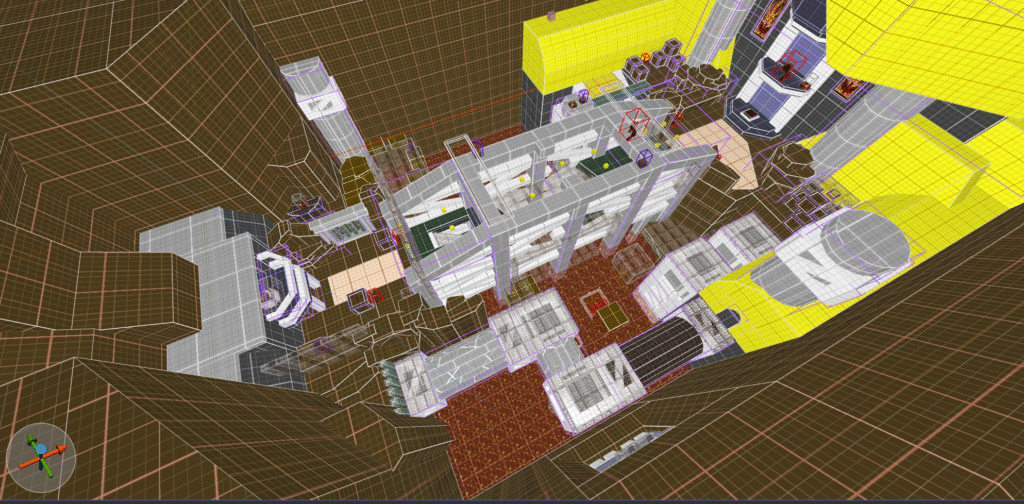
Quake map: Hot crossing

Executive summary:

Hot crossing was my solo level design project which we had to make in the Quake engine.
Our task was to design a level from concept to playable state within 8 weeks and use the Trenchbroom editor to do it.

Design process

Concepting

During this solo project we were tasked to create a level for Quake from scratch in the trenchbroom editor.
To start off I started researching the source by playing through the original Quake levels and watching videos on the trenchbroom editor to give me a basic understanding of how Quake levels are designed and made.

Before making my first draft I also looked at various outside references to set the theme of my level, such as photographs and some of the sketches I made during a visit to an old industrial park.
I ended up looking at brutalist and industrial architecture as an inspiration which I’d work into my project.

From there I made my initial concept in a crude 1 pager using a simple nodemap which was presented and given feedback on.
With that feedback I iterated on my design and made more elaborate breakdowns that acted as a blueprint for me to build on.
In the meantime I also was actively developing content in the trenchbroom editor and experimenting with level ingredients and combat beats to further help me inform my design decisions.

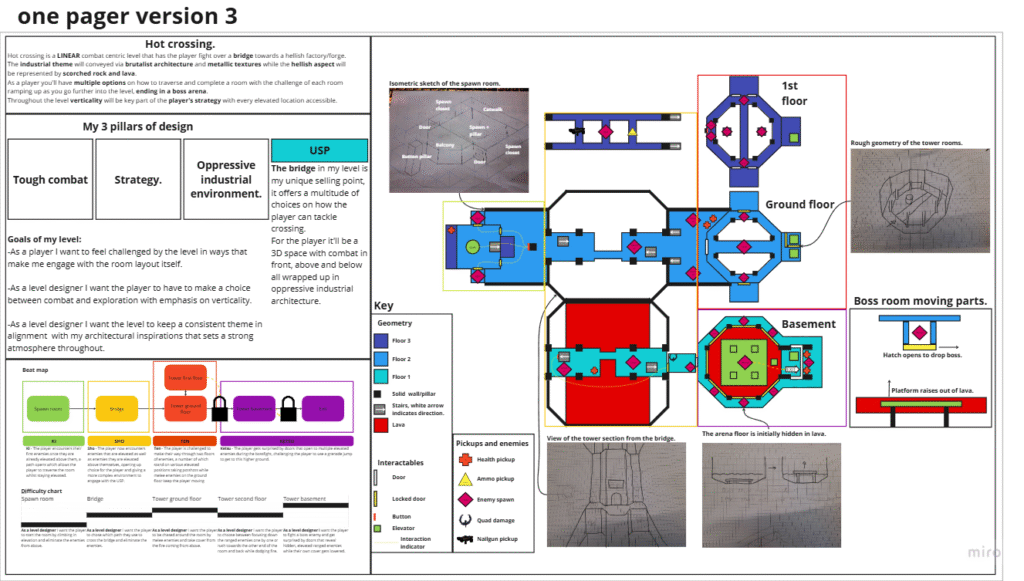
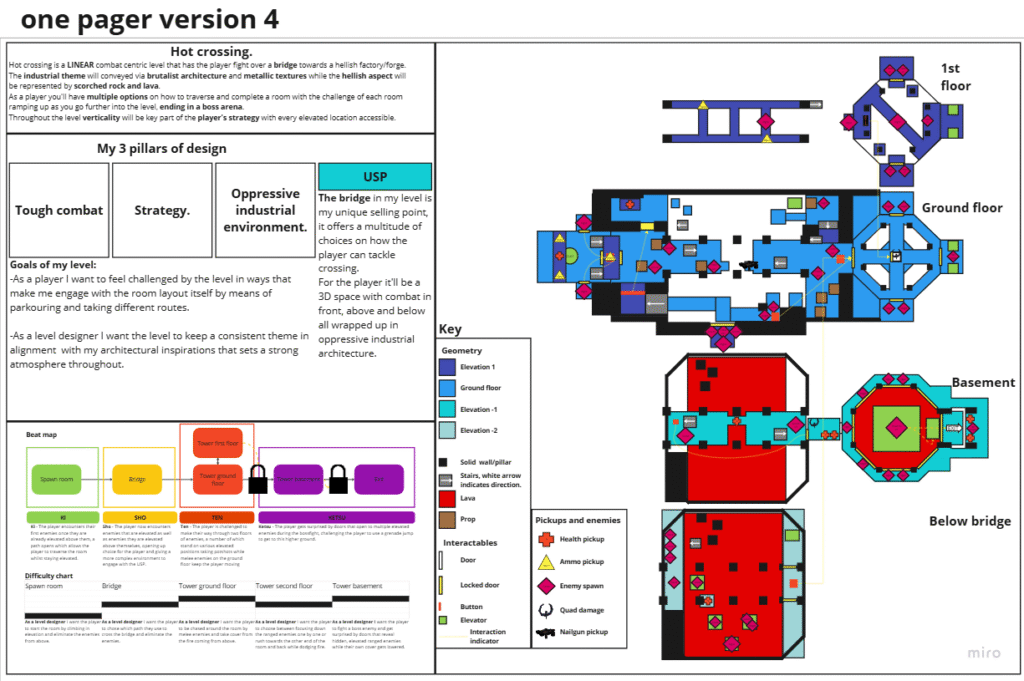
Below you can see the stages of my one pager throughout the project, although due to the software used the resolution is a little suboptimal.
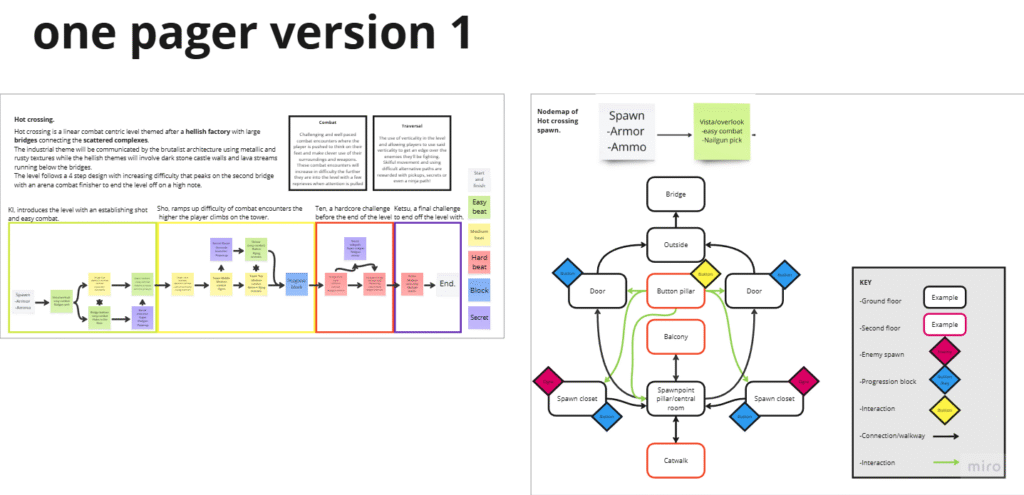
One pager versions:

Version 1
image (3)

My first one pager was more of a concept then a proper blueprint, this is what I proposed to the stakeholders and they suggested I cut down on the total content which I did in subsequent iterations.

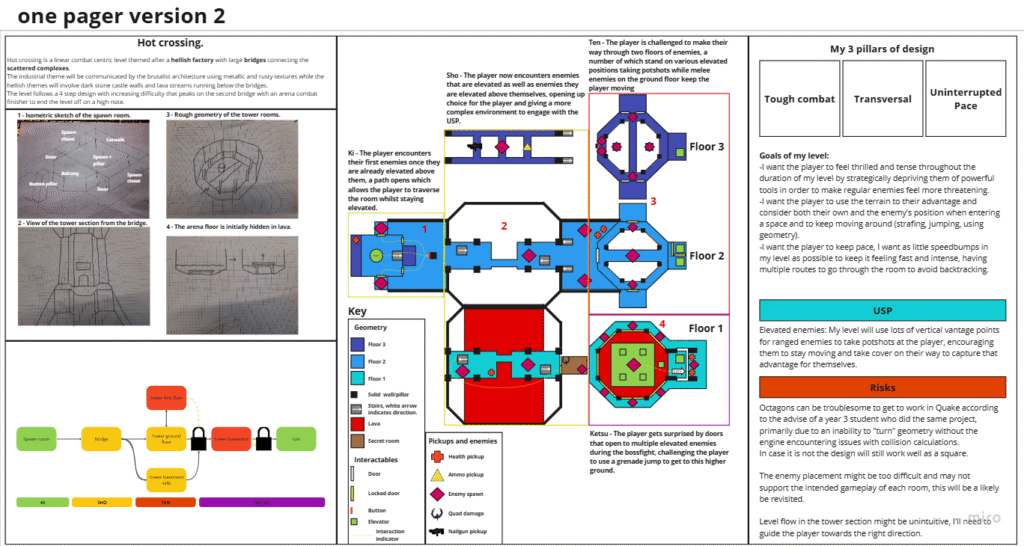
image

In this version I started to work out some of the details and the actual layout of the map itself in a top down perspective.
I had made one pagers before at this point but never quite with this much effort which left me a little unsure on how to format it.

It did however get a more conclusive greenlight from the stakeholders and it worked as a blueprint to start building towards.
With this I could start testing my combat beats, level ingredients and the flow of the level by blocking things out and moving through the level with each iteration.

image (1)

In version 3 I reorganized a lot of the content on my one pager so it became (somewhat) easier to read, there weren’t many design alterations but around this time I was starting to have concerns about certain level elements like the combat beats.

My level’s USP didn’t shine through enough and my development effort started to focus more onto expanding upon that USP from there on out.

image (2)

This iteration was made shortly after I had made some significant alterations to the bridge section of my level to reflect the changes I ended up making.

The pacing and intended routes all changed during this part of the project and while the old design is still visible the changes were so extensive I had no choice but to overhaul the documentation on my level.
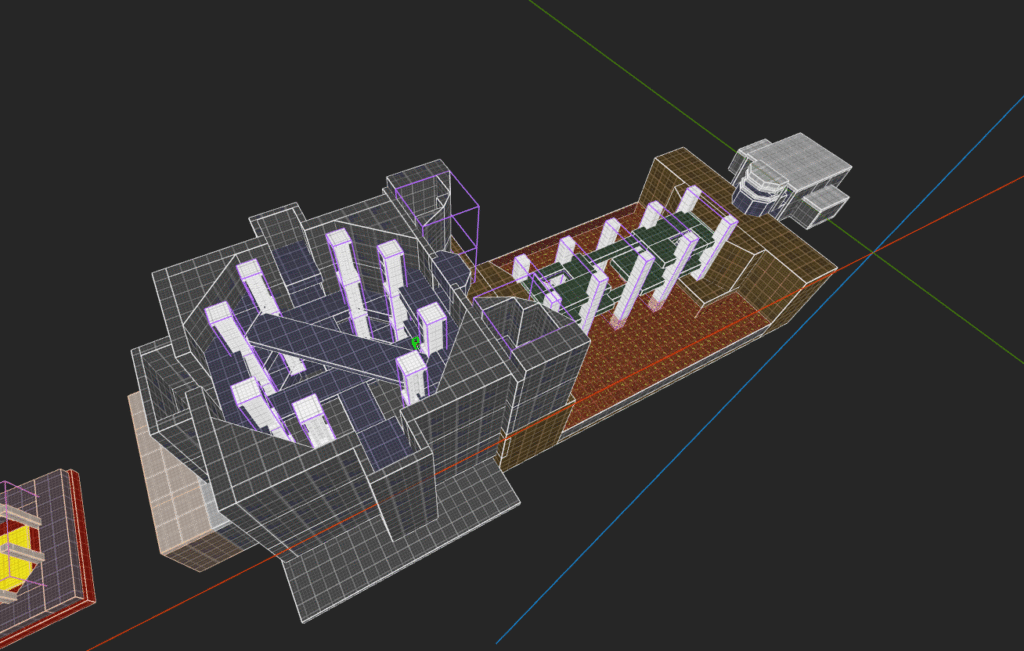
Looking back on it it does look a little messy but alas time was at a premium and I just needed something to show the updated content in my design documentation.
Prototyping

During the concepting process and well after it I’ve also been prototyping level ingredients, combat beats and various layouts to test their viability.
Often this was to see if they were too easy or difficult, the right size or just to see how an ingredient looks and feels like when built out.

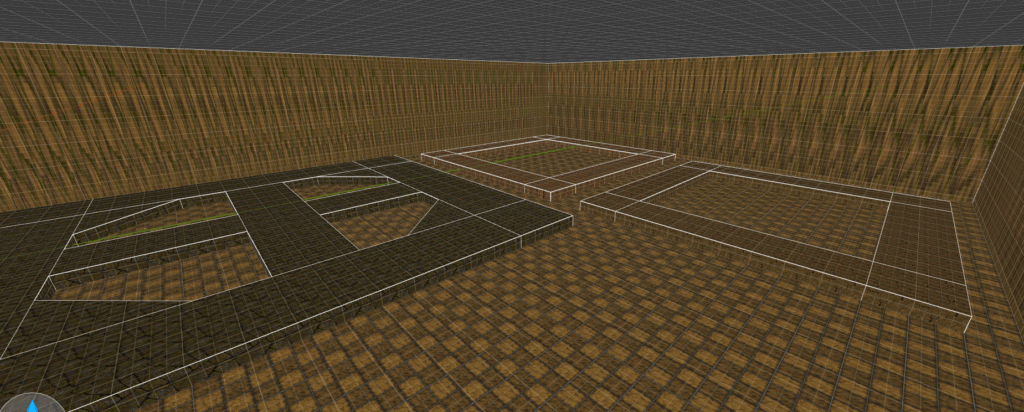
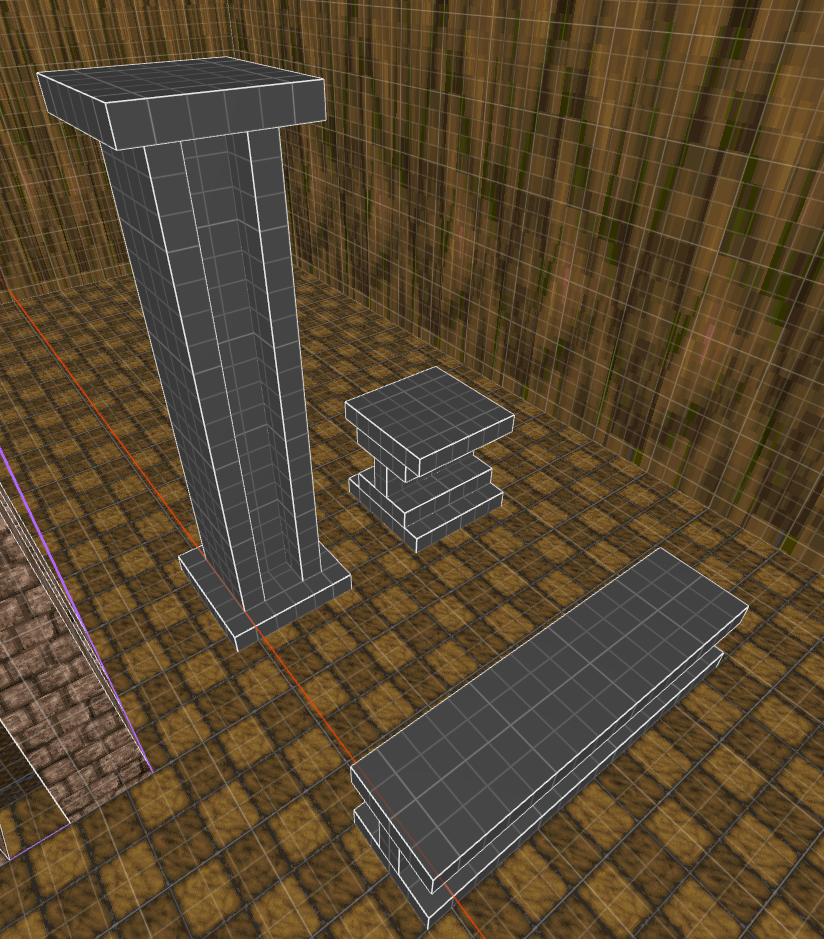
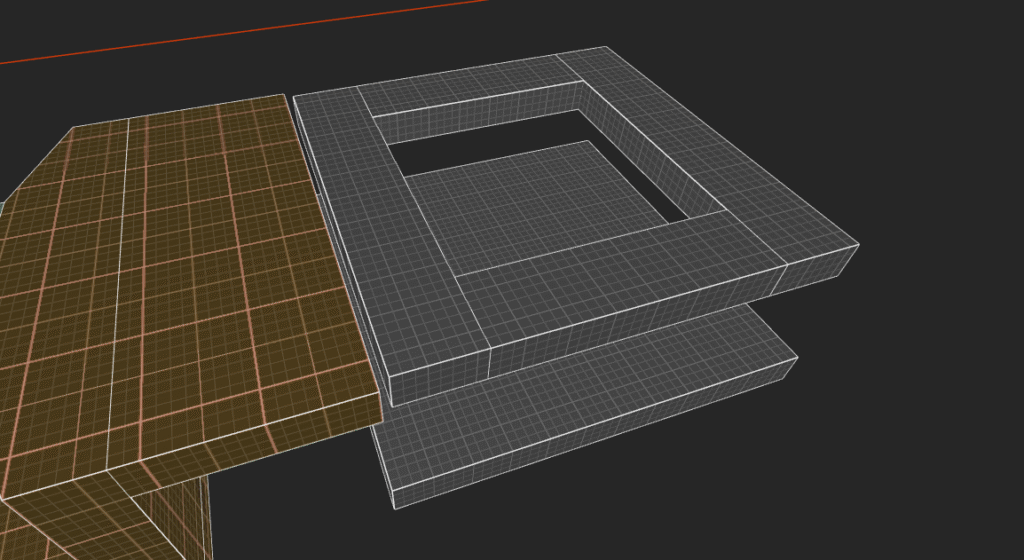
For this process I used a gym where I could test all these ingredients and ideas without having to worry about causing interference with my actual level.
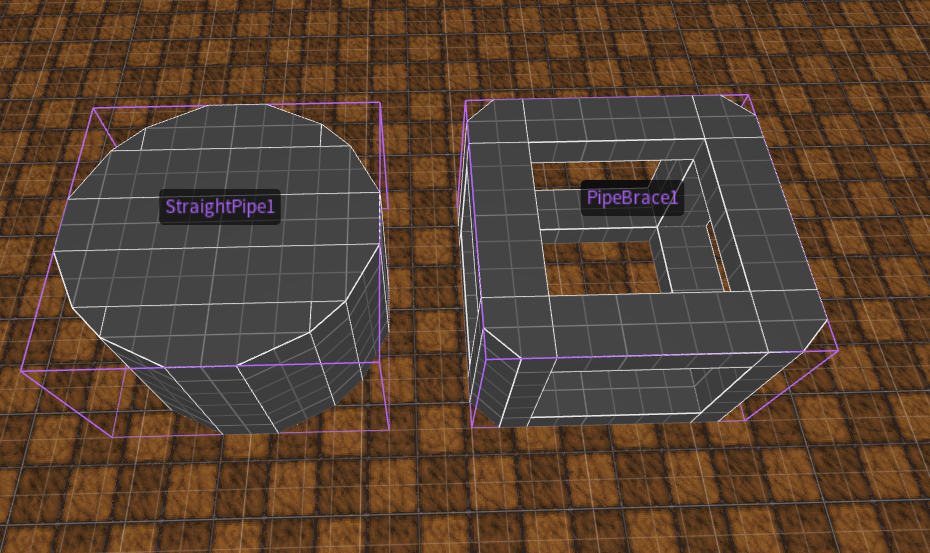
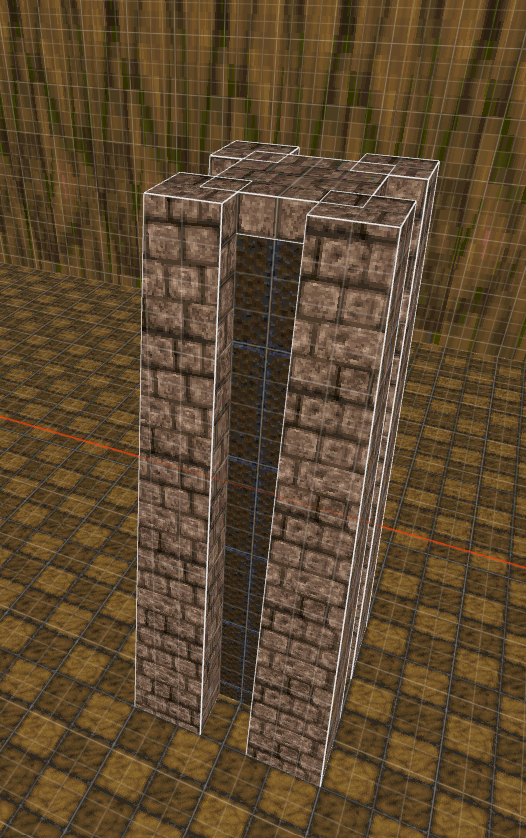
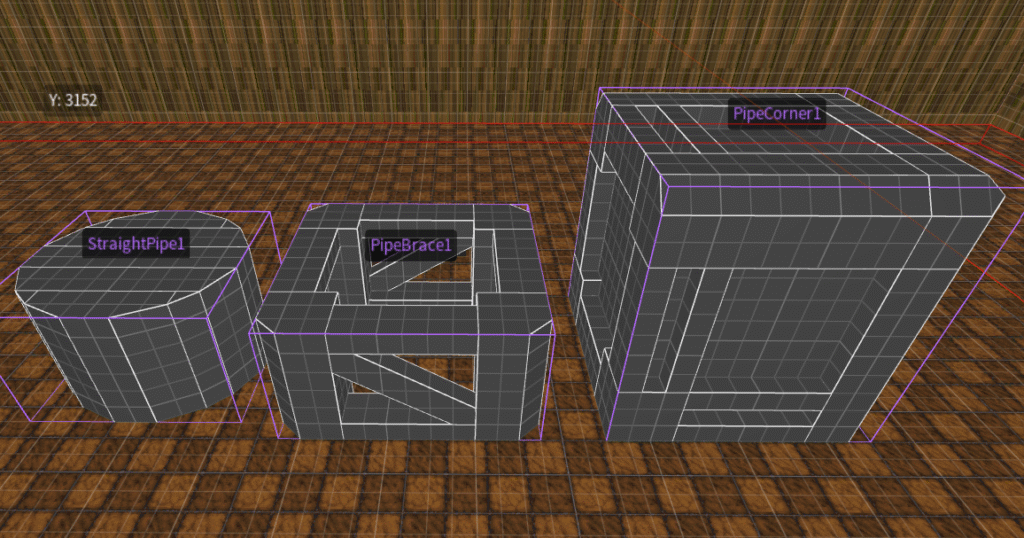
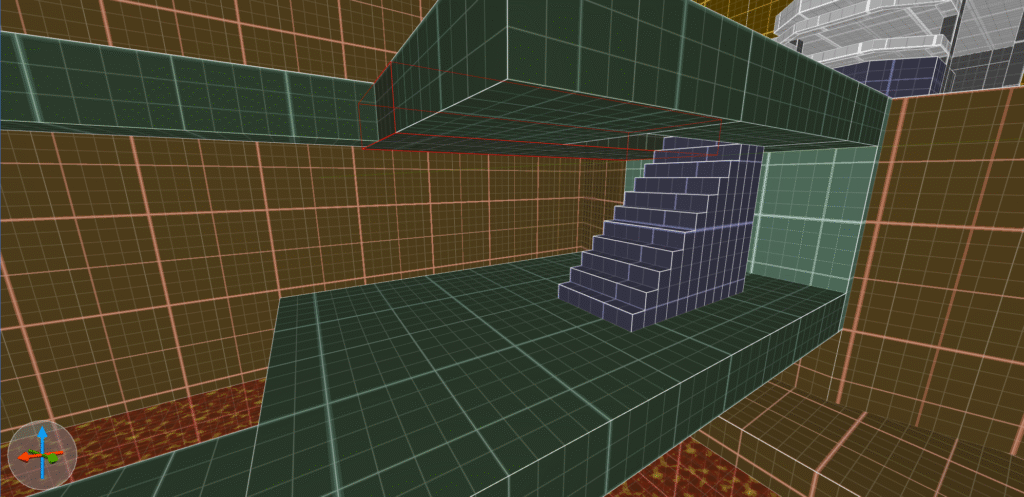
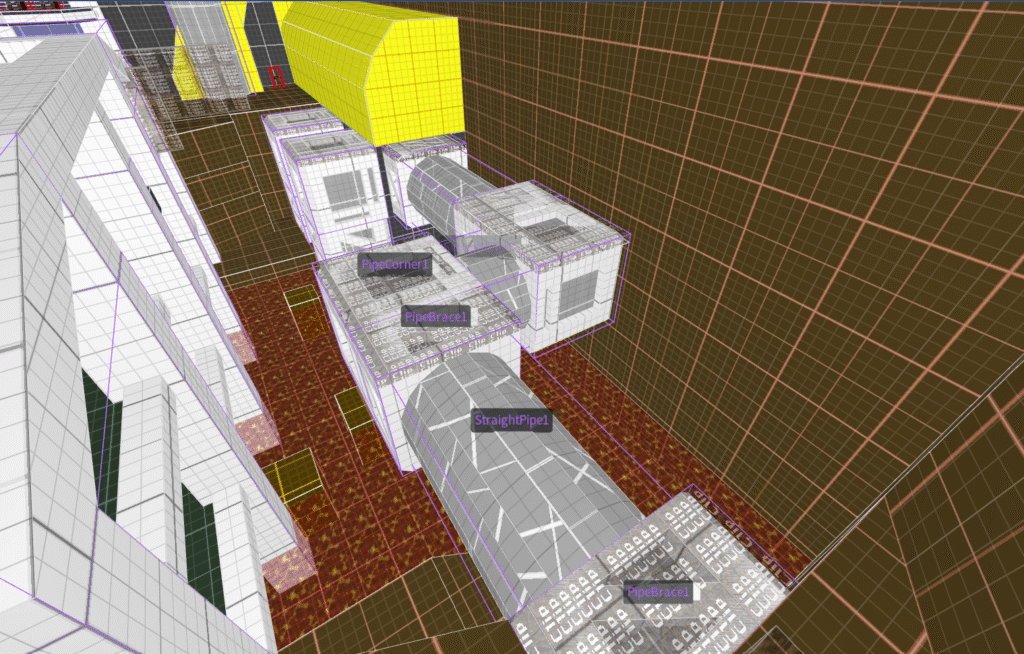
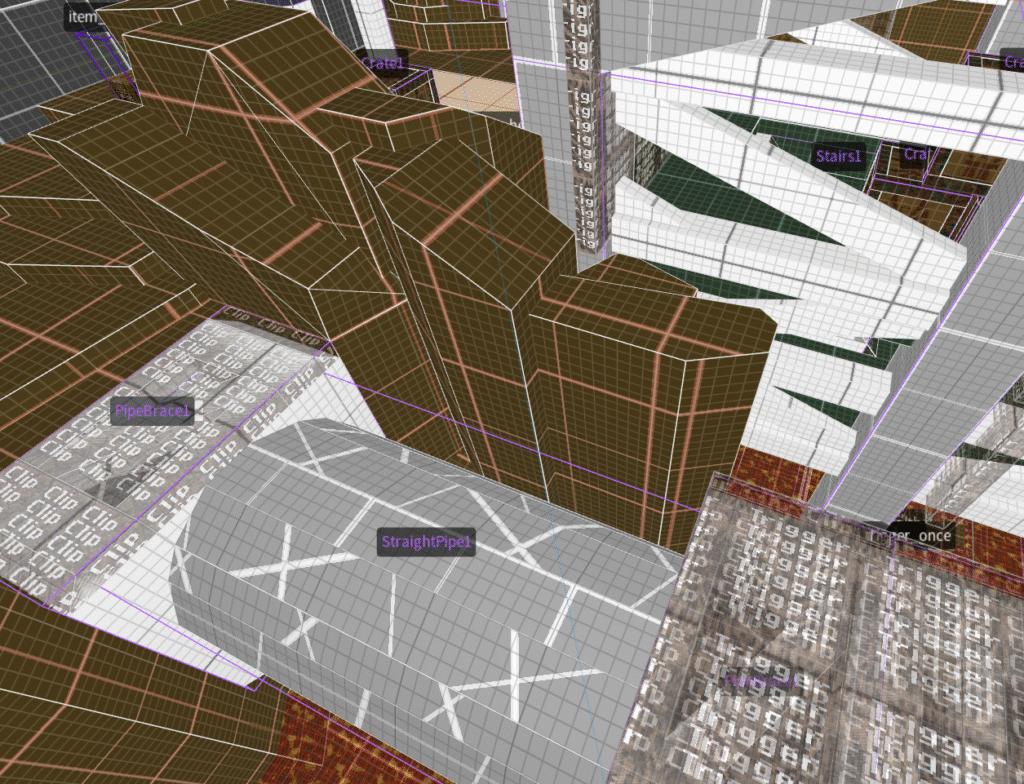
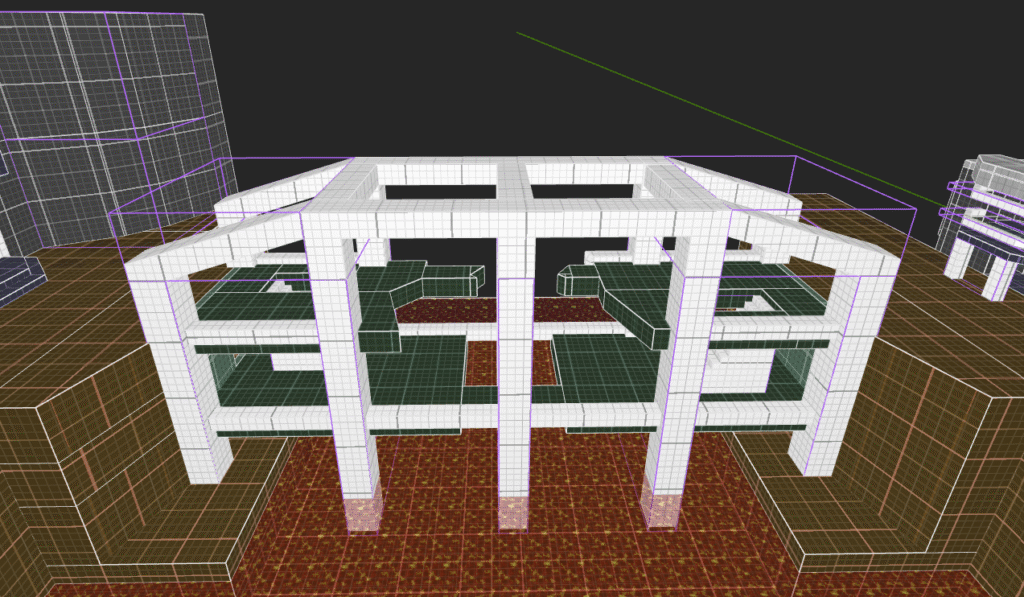
A lot of modular kit elements that I used in my main level were also developed in the gym, such as the piping that I use in the bridge section of the game.

towerentrance1
towerentrance2
towerentrance4
Assortment of other gym images
modularpipe3 1
screenshot 2024 10 02 143039
pillar1
platformgymtest
modularpipe6 1
screenshot 2024 10 07 125941
doorgymtest 1
screenshot 2024 09 30 150801

Production & Iteration

I started working in engine proper around the end of week 2 of our project having had time to make a concept and one pager that would roughly translate to the level I intend to make.
A lot of the initial work was more about learning to work with the tools trenchbroom provided rather then working optimally towards building out my level since I knew that any work done at this point would likely have to be revised at a later point in time as the design evolved from my findings and added experience.

During production I frequently played my own level and made changes according to my findings, later on I also performed playtests with other designers and non-designers to collect feedback that wasn’t tainted by my own familiarity with the level.
An example of changes driven by player feedback would be the constraining of player freedom during the bridge segment in order to avoid sequence breaks, as the aforementioned player freedom did not meaningfully add to the experience and made the players confused and less engaged with the level itself.

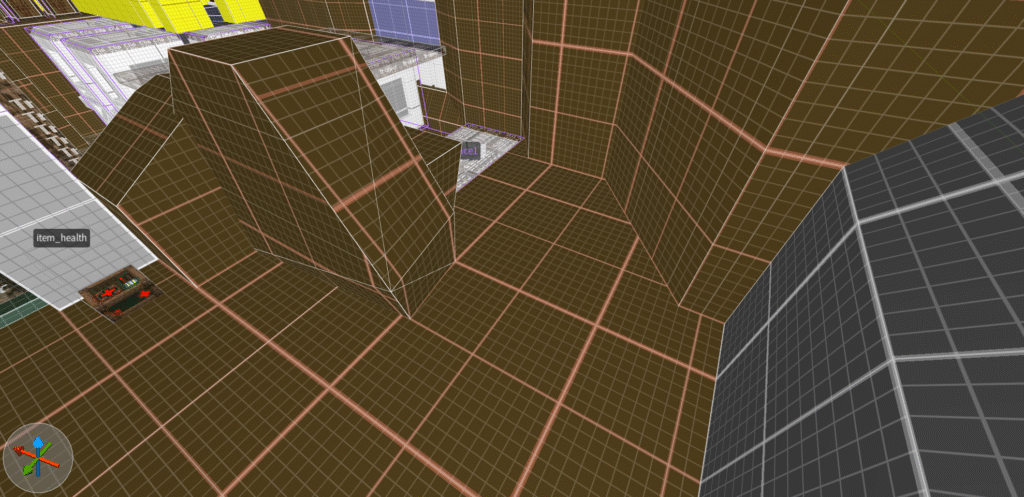
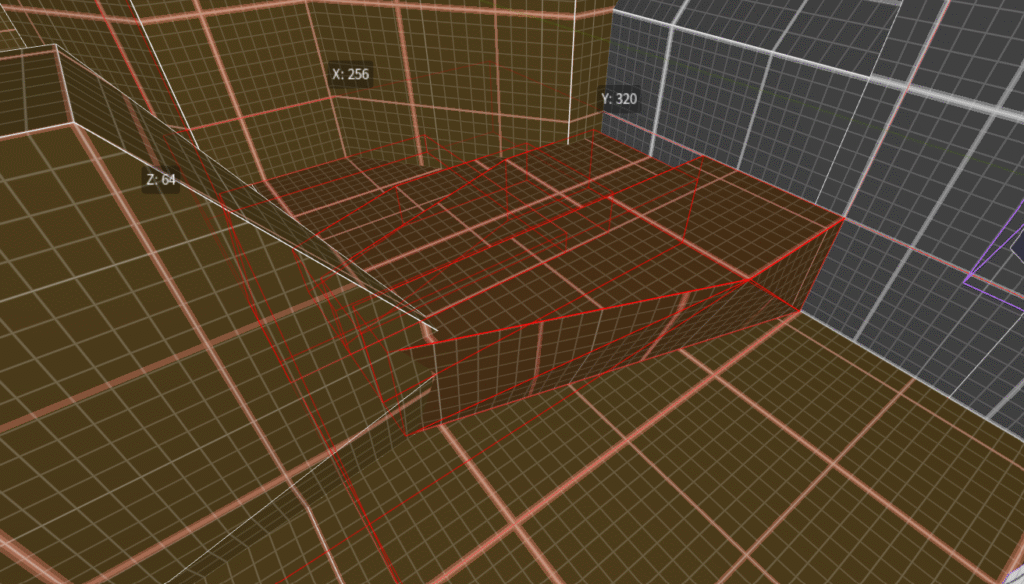
Below you can find a sequence of screenshots taken from start to completion of the project, any particularly interesting image will be annotated. 

screenshot 2024 09 23 160900
screenshot 2024 09 23 170500
screenshot 2024 09 25 135116
screenshot 2024 09 25 150325
playthrough1

I’d consider this the first milestone of my level’s development, it establishes the first half of the level in its most base form which you will see develop overtime.
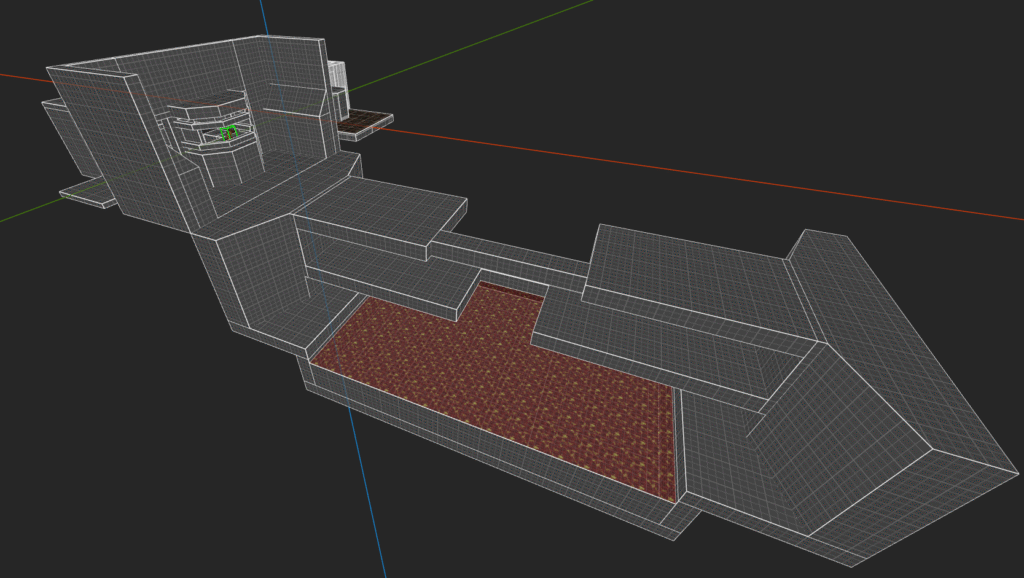
The reason this particularly segment of the level is so important is because the bridge is the USP.

screenshot 2024 09 25 152257 1
tower5

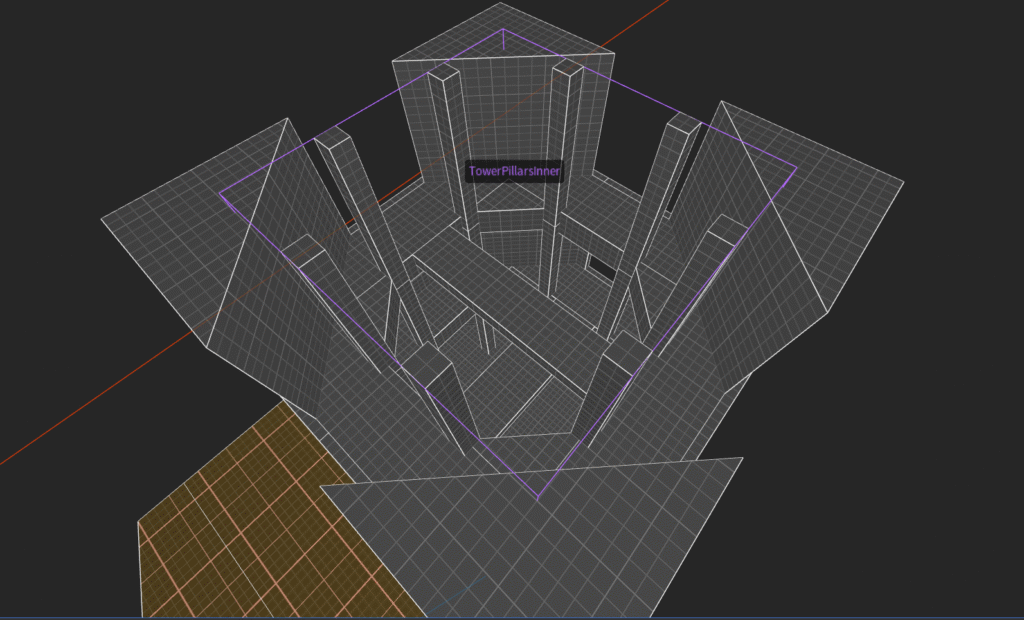
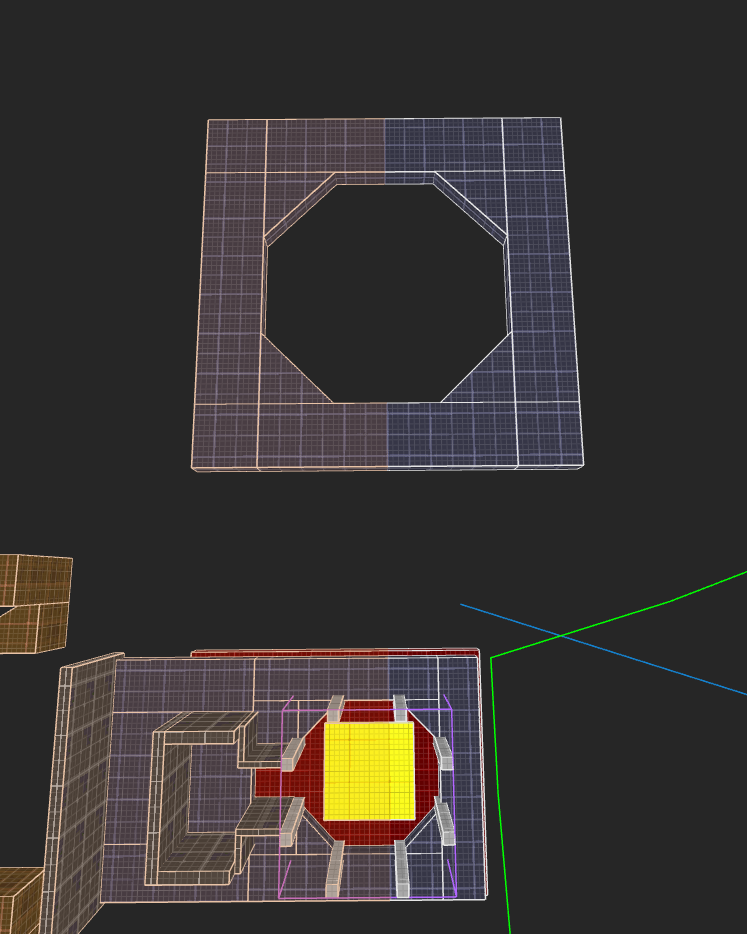
Here you can see the development of the other half of the level, the tower.
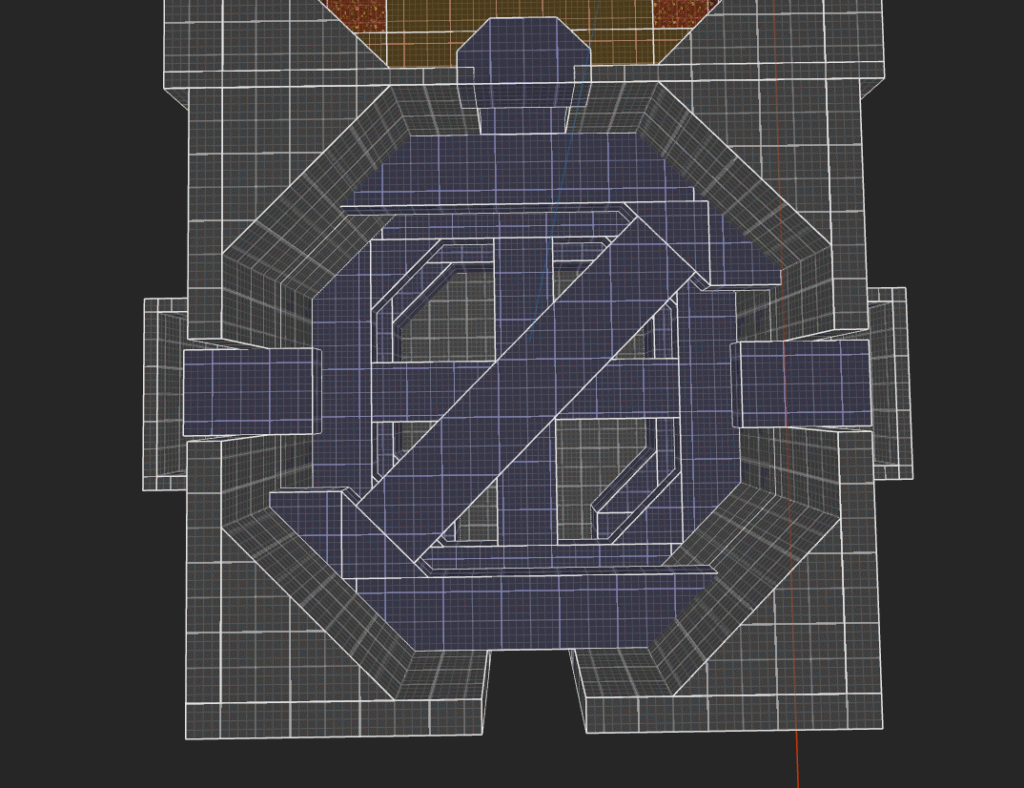
There will be a lot of iteration in this level element especially in its shape language and interior layout.

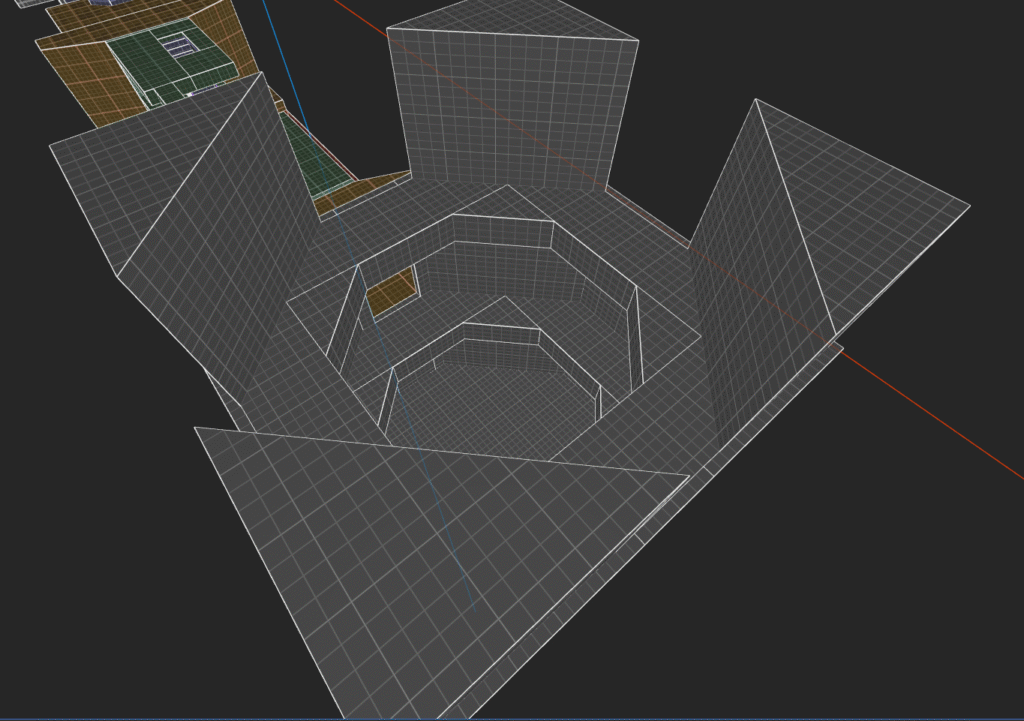
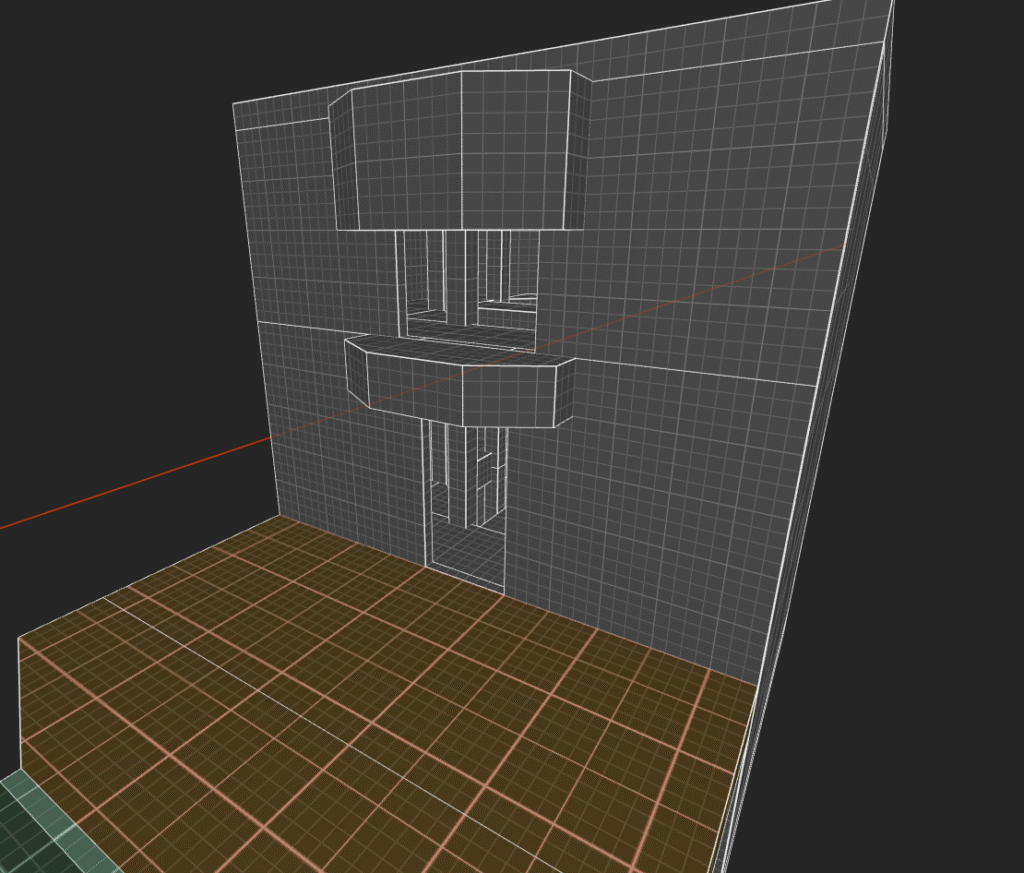
As you’ll see in the next few images this section got rebuilt early on due to the size feeling off, having tested the metrics of the new tower in the gym.

resizingtower2
resizingtower4 1
screenshot 2024 10 07 140638
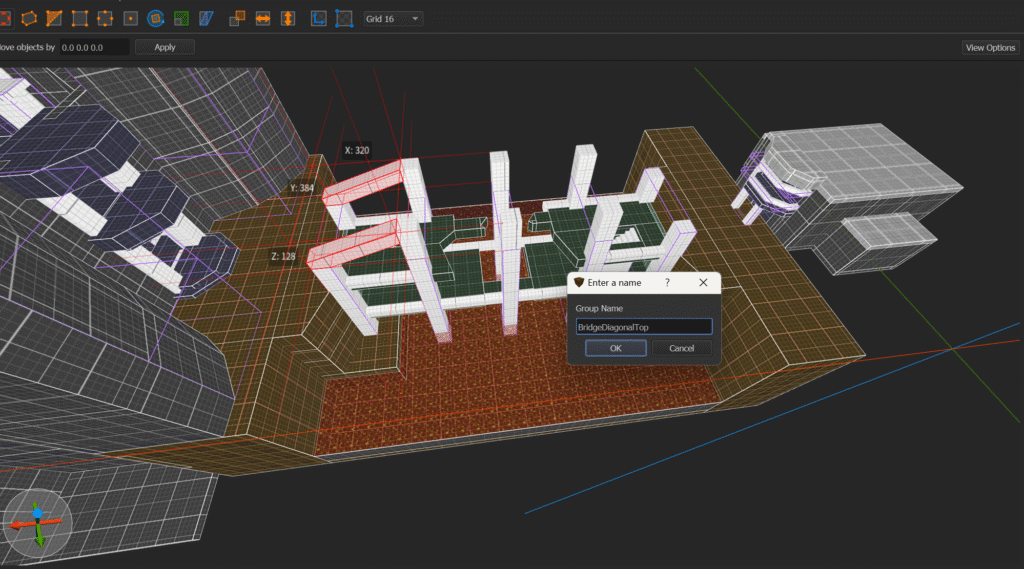
bridgepillars 2
bridgediagonaltop

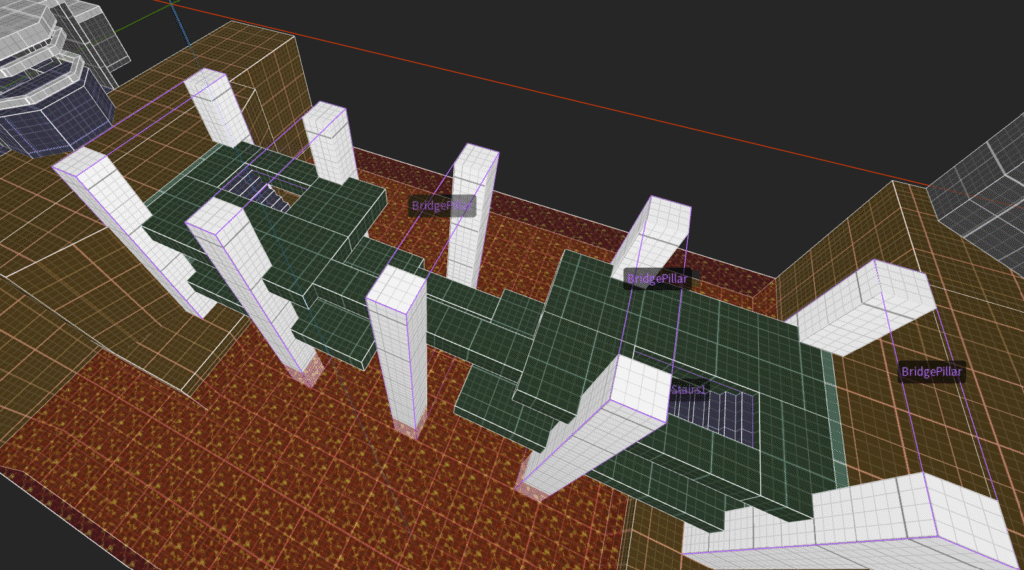
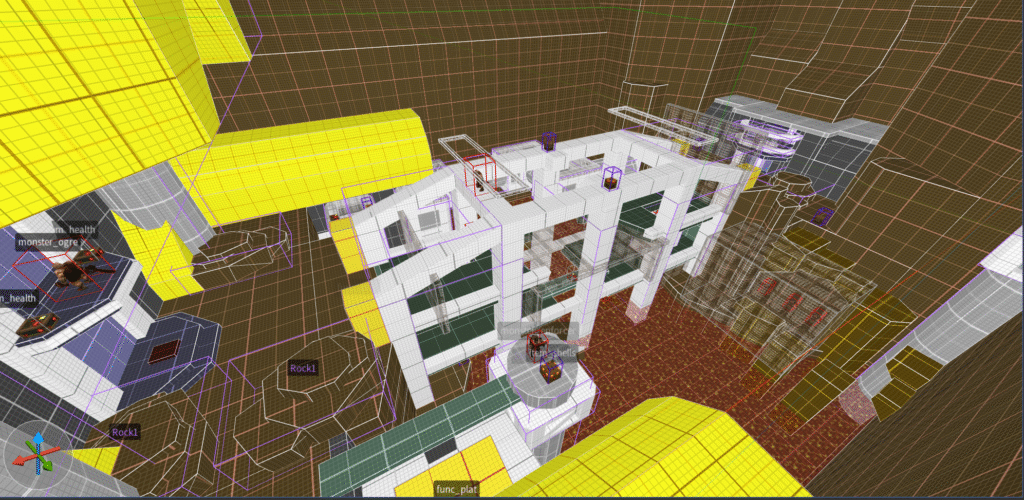
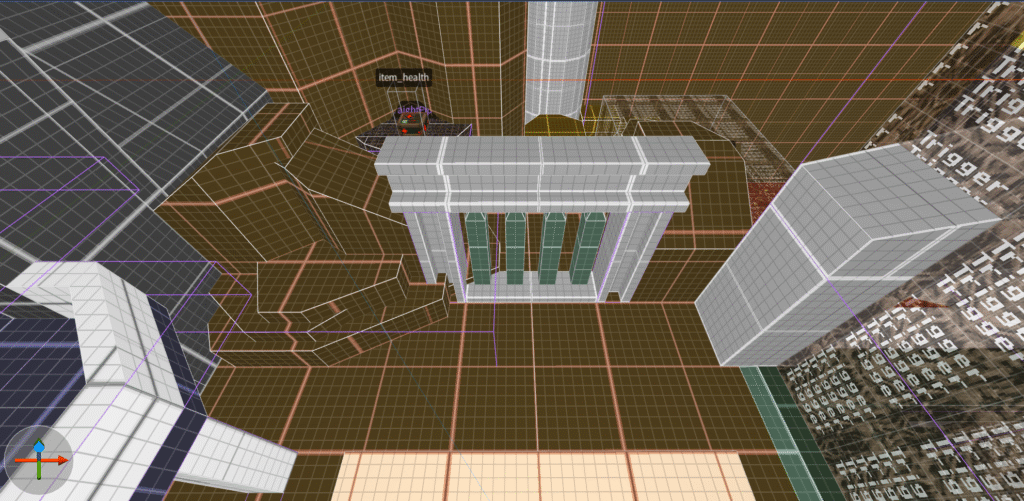
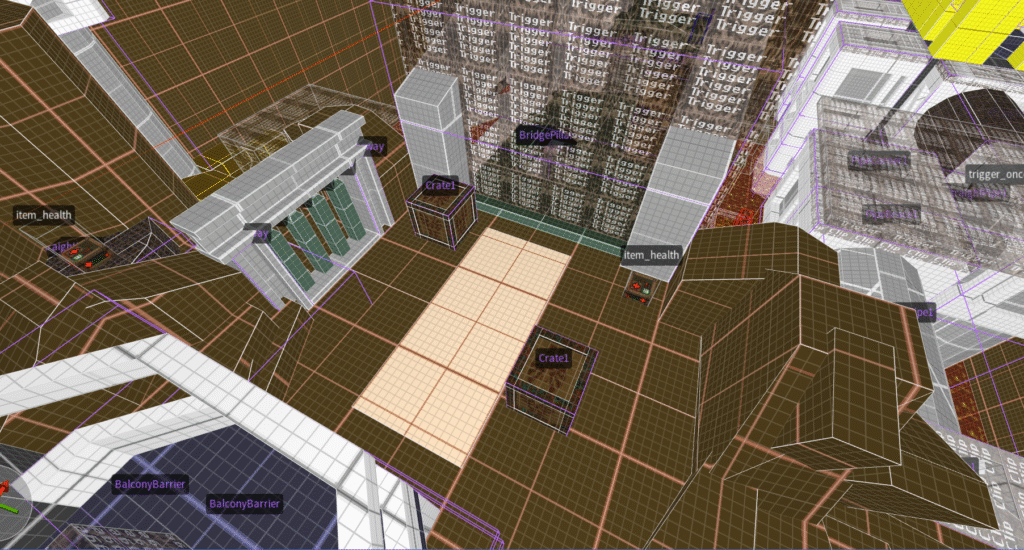
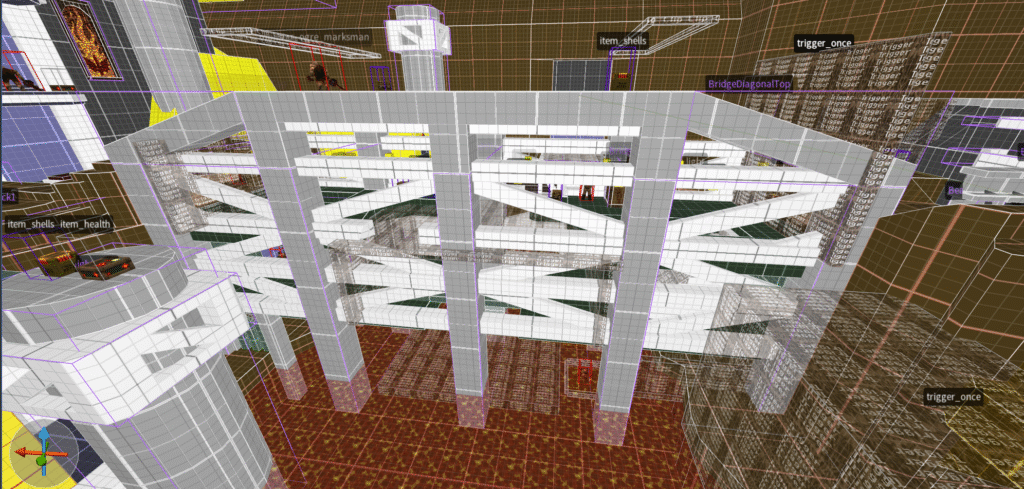
Here you can see me returning to the bridge after focusing on the tower, I wanted the bridge section to offer more then just a plain walk across the lava and from here you’ll see this section of the level develop and expand significantly.
This was driven by my personal observations during play, the USP simply wasn’t there yet.

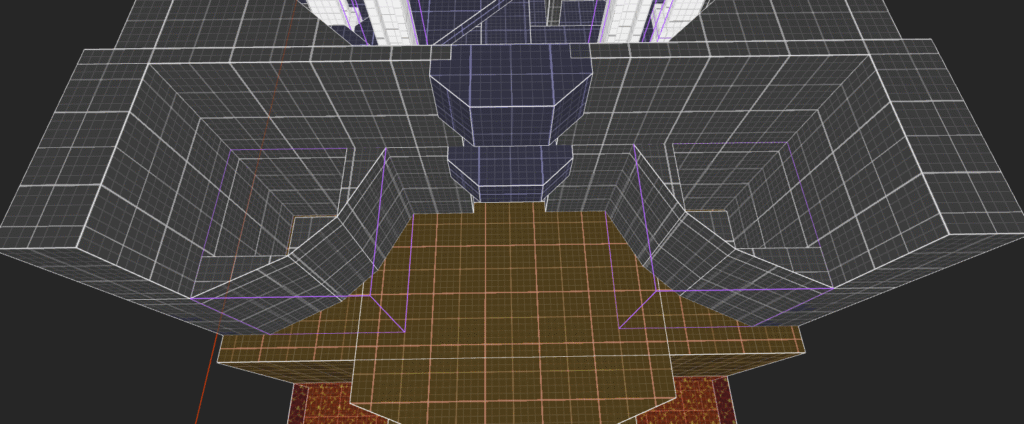
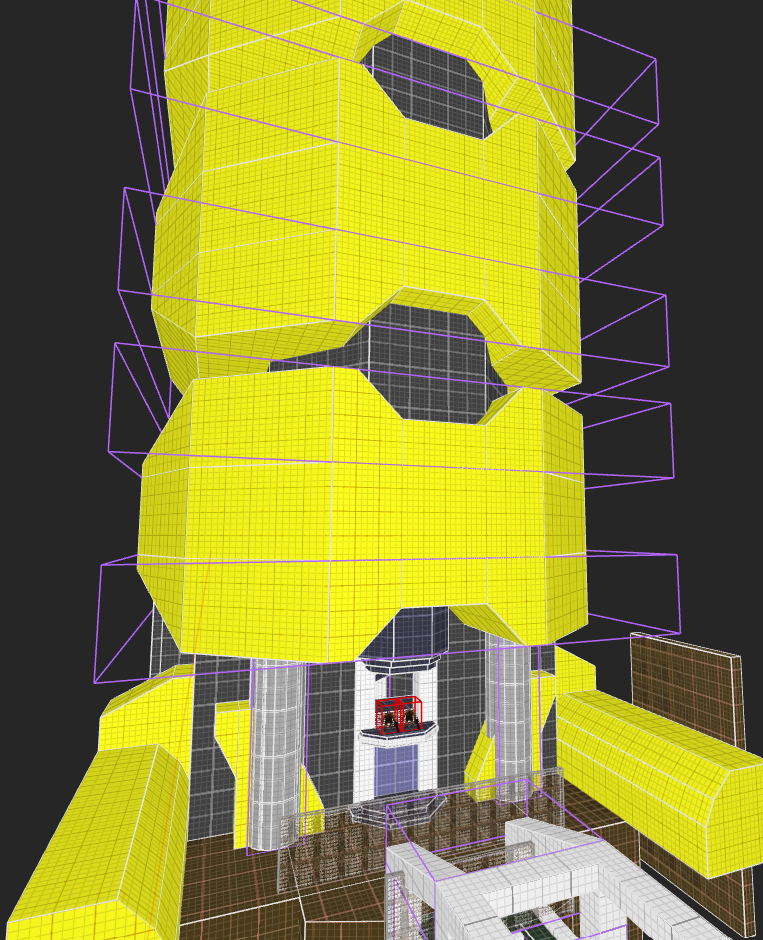
The transformation of this section of the level includes an overhaul of the tower exterior as I intended it to loom over the bridge segment to draw the player’s eye, making them want to cross the bridge >>>>

edgeofworldrevamp
secondarysidepath

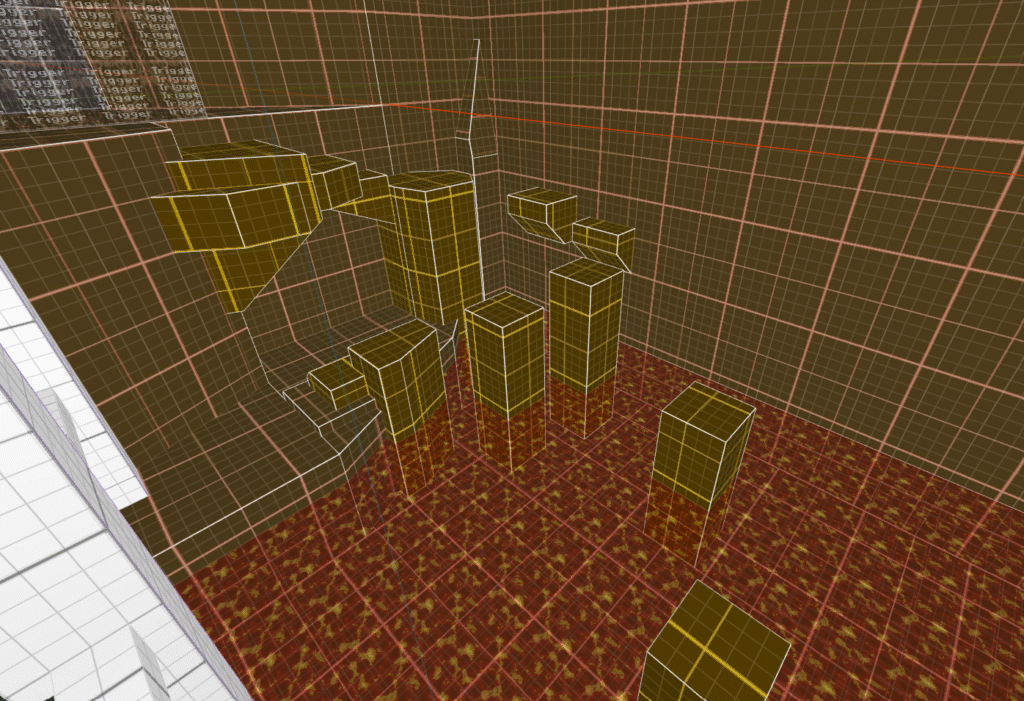
Alternate paths were starting to get introduced, they ended up alright but not before requiring some tweaking.
I learned how easy it is to over-complicate your own designs, in retrospect I should’ve taken a little more time figuring out what I wanted these alt paths to do and how I want the players to interact with them.

startimprovements
screenshot 2024 09 25 150735
screenshot 2024 09 25 151919
tower4
tower6 1
resizingtower3
screenshot 2024 10 02 141517
screenshot 2024 10 07 132153
week6start
bridgeframe
towergeometry1
towerexterior
sidepathusingmodularset
week7bridge2

This is the point where I started performing playtests, in the following weeks the feedback from these playtests prompted me to change the layout, sequence and combat beats to steer towards the intended player experience.

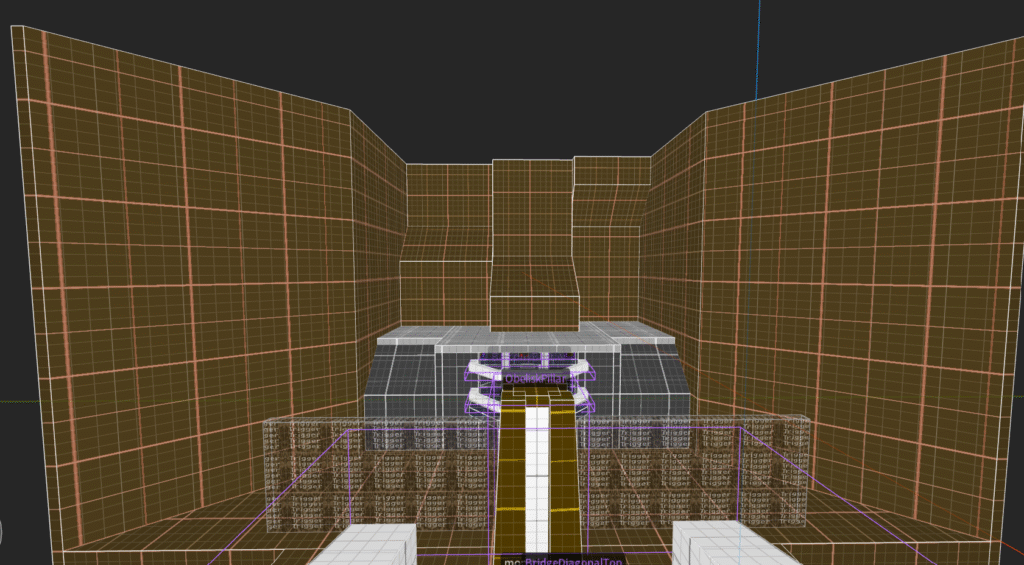
The most major change you’ll see is that I swapped from a “soft” approach to guiding the player’s path to a more rigid one with gates and triggers.

pipecombatbeat
pipecombatbeat
bridgeleveltraversal

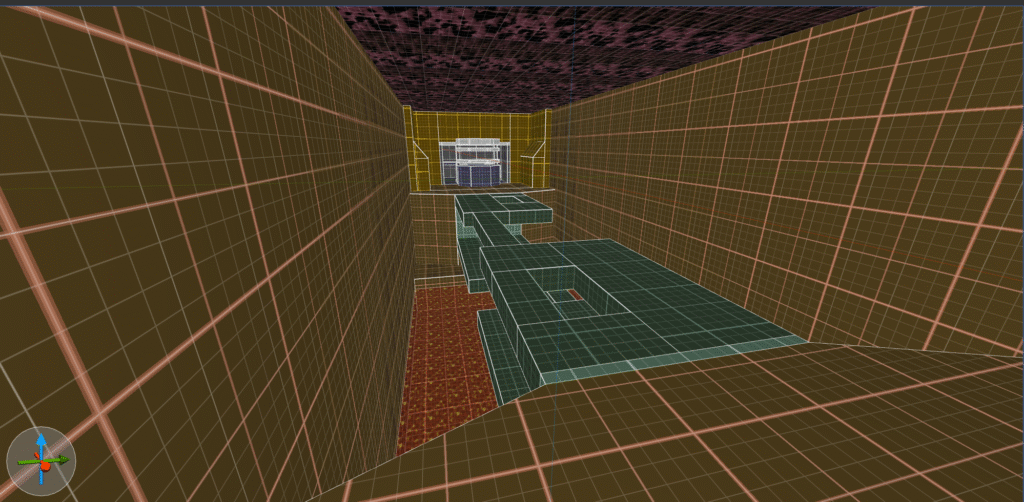
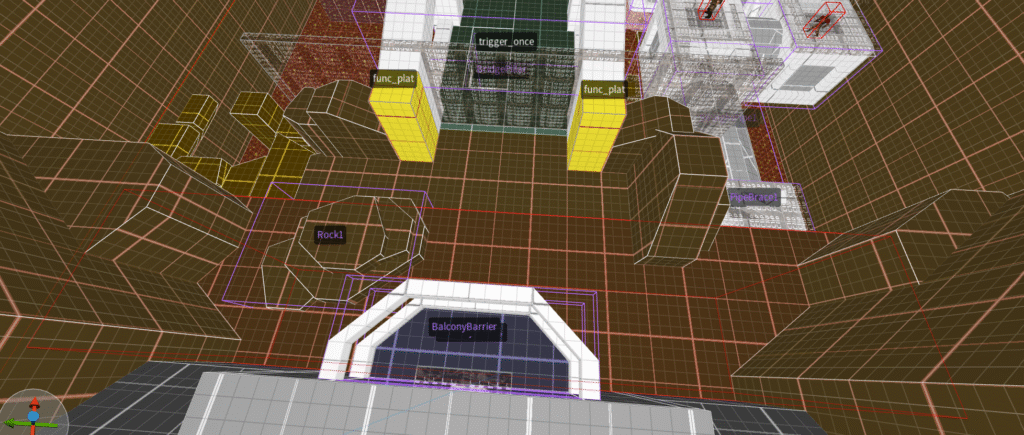
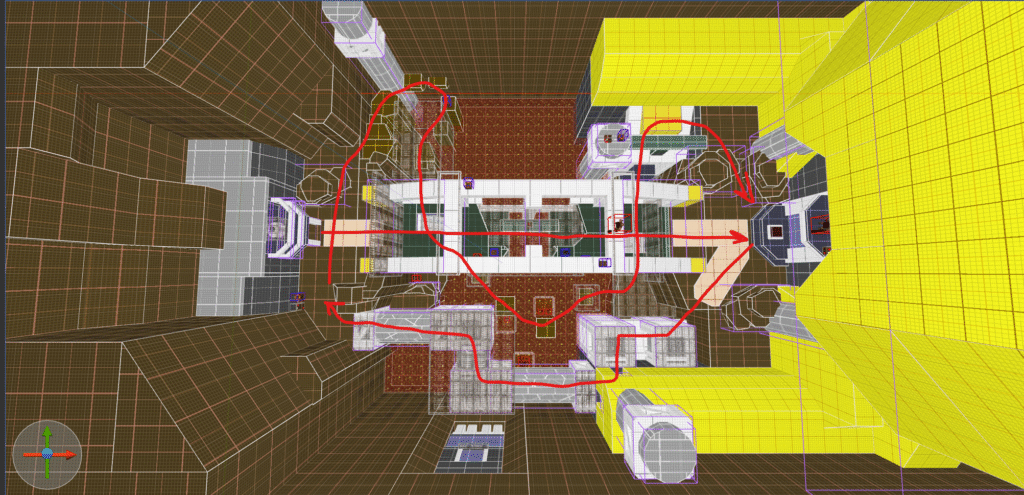
A very rough “sketch” of the intended path, starting out at the spawn and crossing the bridge before being faced by a closed door.
This starts a button sequence of 3 buttons that’ll open the door with the first being right on the porch.

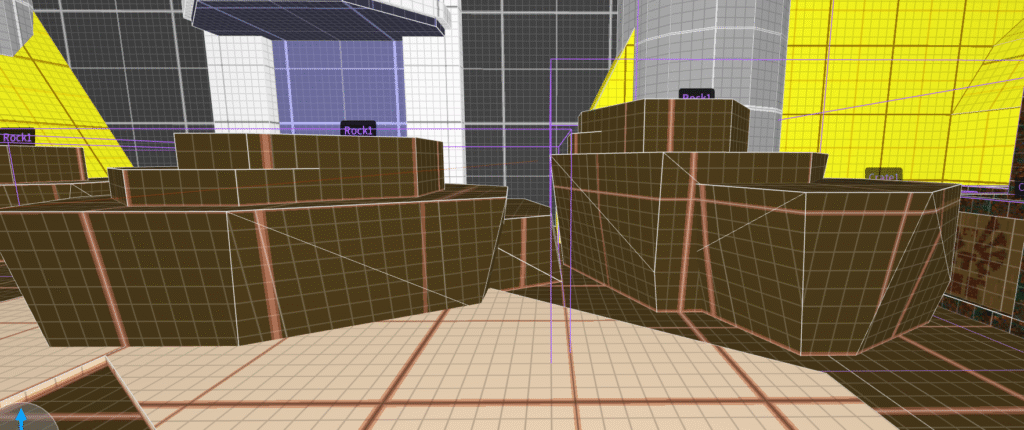
Using rocks I try to guide the player’s view towards the large pipe segment which contains another button.
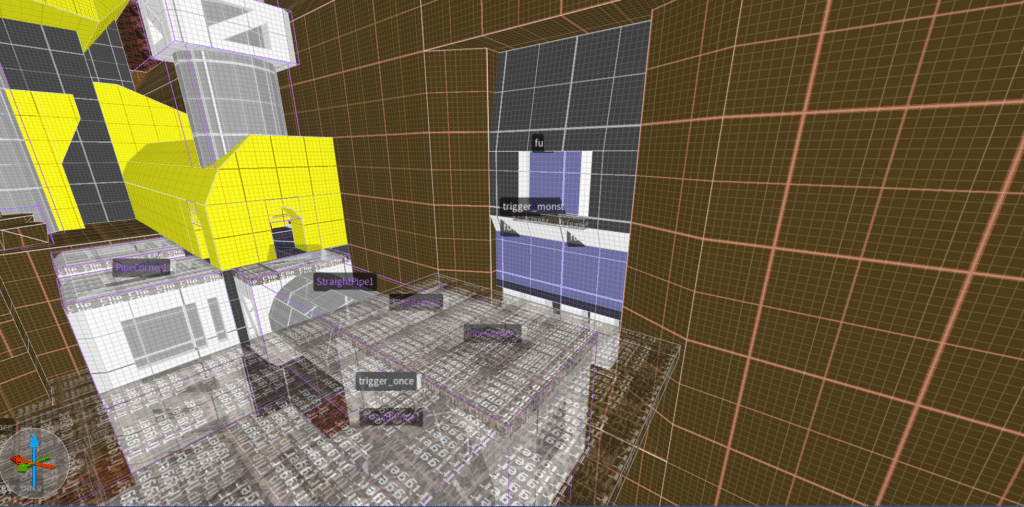
This then leads back to the spawn area where the different angle will provide line of sight on the third and final path leading under the bridge where the final button is located, leading back up to the other side of the lava river where the door to the tower now sits open.

Alas players are naturally curious and more often then not this intended path was broken, and whilst I had this in mind when creating these alt paths in the end it led to a lot of confusion for the players which I couldn’t iron out with this soft approach, what followed was a modification to the level that gave it a more rigid structure.

gatingoff1
cover1 2
blockingoff

During subsequent playtests the results were far more positive with players still having sufficient freedom to explore but not getting lost in the complexity of this segment, the combat beats flowed better and players naturally found themselves following the intended path.

This approach resulted in the intended player experience and the level was described as challenging and engaging. Mission accomplished! 

gatingoff2
gatingoff3 1
raisingrocks
videoedit2
videoedit3
Scroll to Top